Helping family and customers
A parent can't print a document, a customer doesn't know where to click? Ask for their 9-digit number, connect and show the fix on their own screen.
Version 1.0.1 · 24 October 2026 · GPL-3.0 license
DirectDesk connects two computers using a 9-digit number. You see your partner's screen, control the mouse and keyboard, and send files both ways. No accounts, no subscription, no session limits.
Windows 10 and 11 (64-bit) · 3.0 MB installer · no ads, no telemetry
Free, also for business
DirectDesk does what you need most from a remote desktop tool: it shows the screen, hands over control and moves files. No license key, account or subscription, and the source code is open under the GNU GPL v3.
This is an early release (1.0.1). It works for everyday use, but it may not be perfect yet. If something behaves differently than it should, report a bug — we read every report and fix issues in the next releases.
What it is for
DirectDesk is a remote desktop program: one person shares their computer, the other connects and sees it as if sitting in front of the screen.
A parent can't print a document, a customer doesn't know where to click? Ask for their 9-digit number, connect and show the fix on their own screen.
Install software, change settings and send files to your team's computers. Ctrl+Alt+Del and UAC prompts work remotely too.
Turn on autostart and unattended access on your office PC, and connect to it from home whenever you need it.
How it works
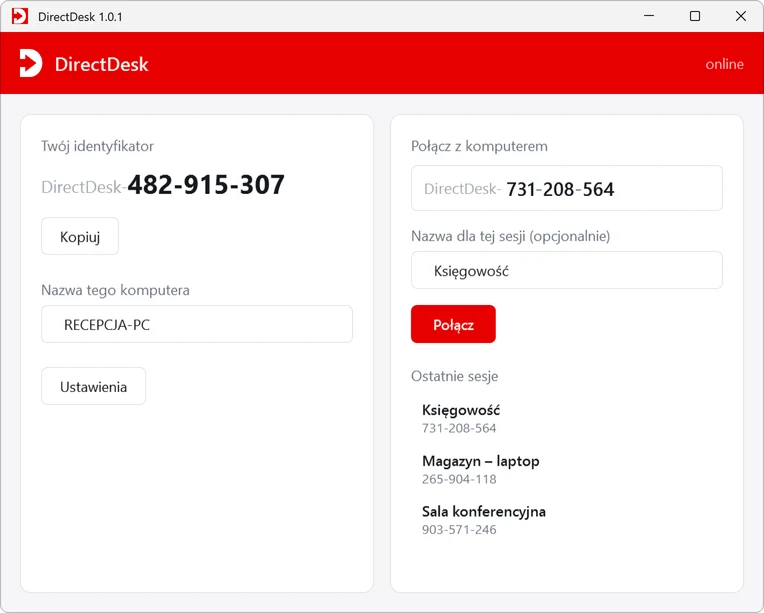
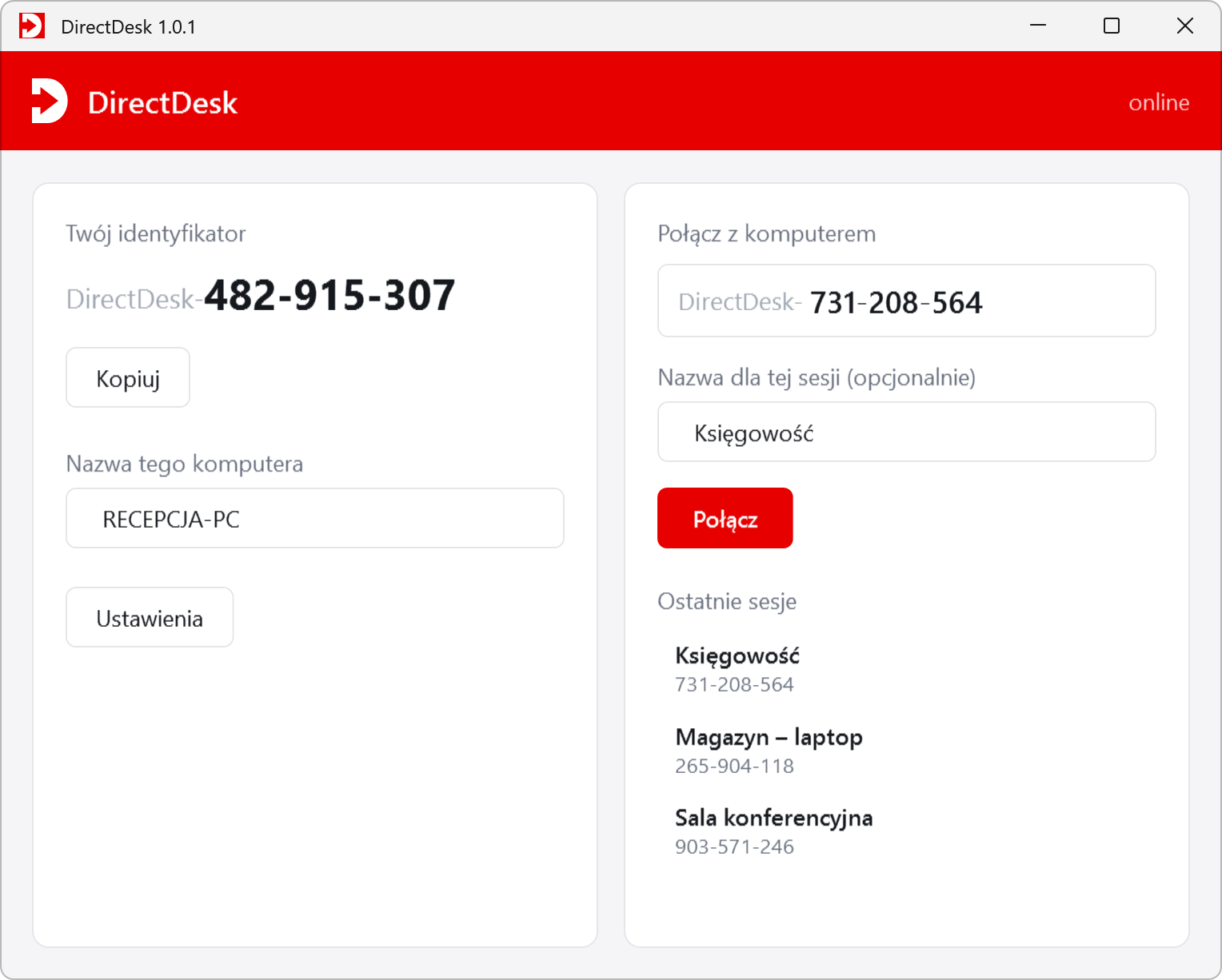
The person you help starts DirectDesk and reads their ID, for example 258-343-583.
Your partner is asked for permission and sees your computer's name. Without their approval the session does not start.
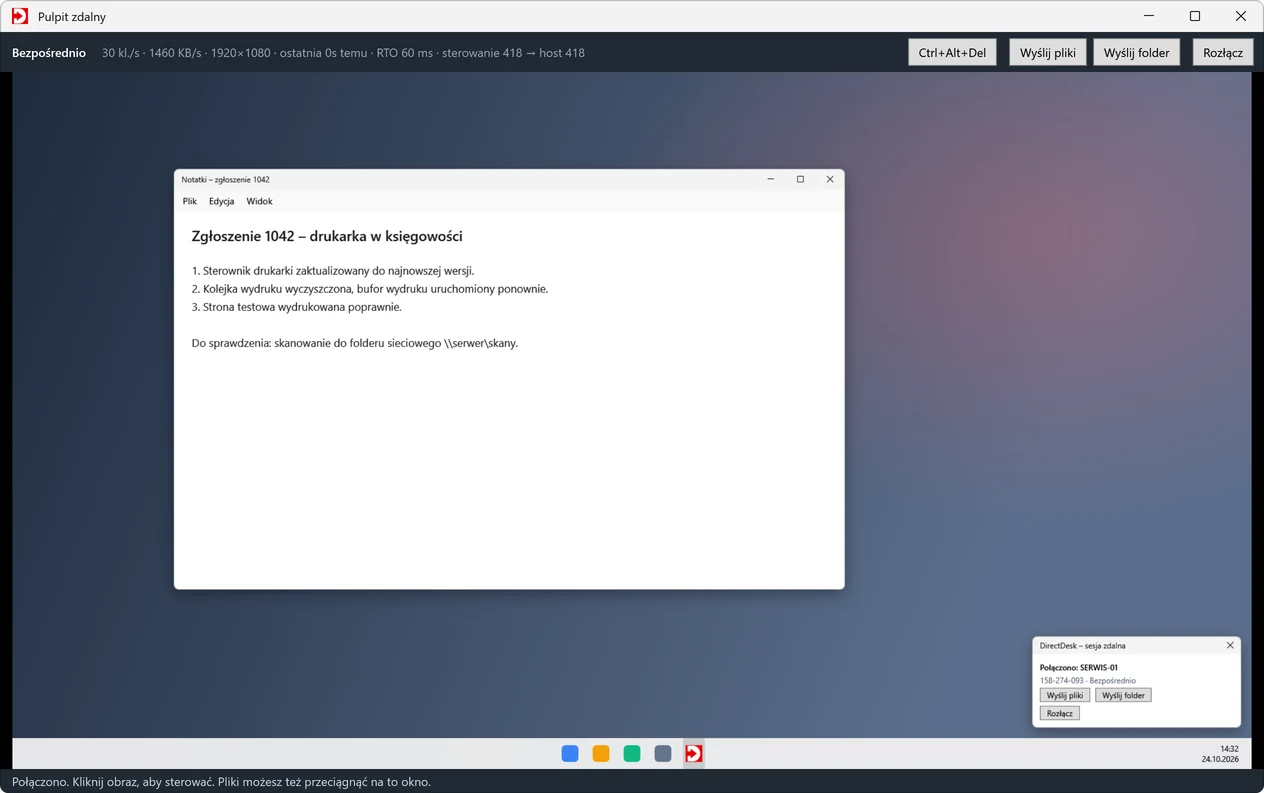
Click the picture and work as if you were there. Your partner always sees the session panel and can end it with one button.
Features
Version 1.0.1 focuses on a stable connection and a sharp picture. See the changelog for what's new.
Picture and input travel straight between the computers over UDP, even behind a router. When the network blocks that path, the session goes through a relay server.
The session key is agreed with ECDH (P-256) and all traffic is encrypted with AES-256-GCM. The server sets up the connection but never knows the key.
DXGI screen capture and only the changed parts of the screen are sent. Areas that stop changing get a sharper version a moment later.
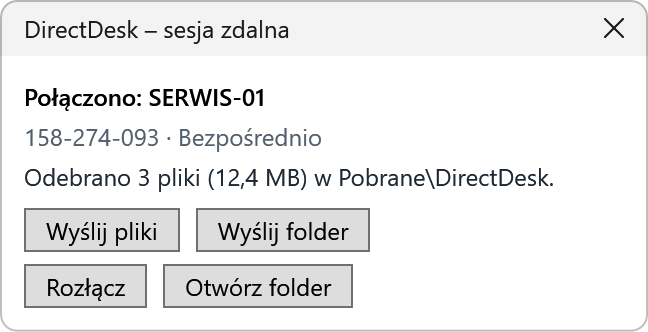
Send files with a button or drag them onto the window. Your partner sends theirs from the session panel. Large files use a separate stream and never block control.
A system service lets you send Ctrl+Alt+Del and see and use the lock screen and administrator prompts.
Text copied on one computer can be pasted on the other, in both directions, with no extra steps.
Every computer gets a random 9-digit ID that is easy to read out over the phone. No sign-up, no e-mail address.
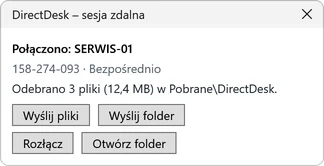
Every session has to be accepted. A panel in the corner of the screen always shows who is connected, with a Disconnect button.
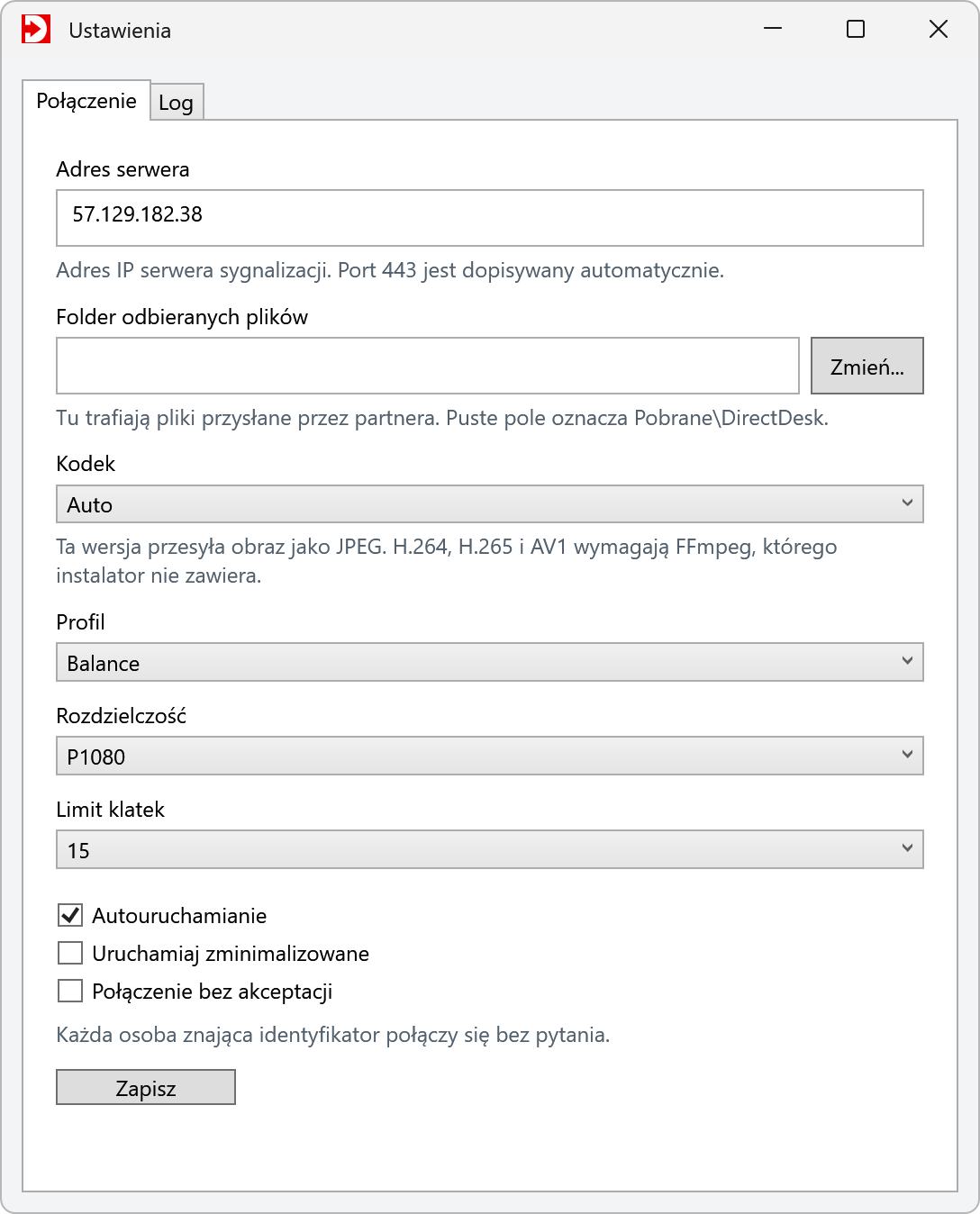
The Exatio server is used by default. The signalling server is part of the project, so you can run your own and enter its address in the settings.
Screenshots
The program's interface is currently in Polish. Click a screenshot to open it in full resolution.
Download and install
Pick the method you like. All three install the same version 1.0.1, connected to the Exatio server by default.
Right-click Start and choose Terminal (Admin).
winget source add --name exatio --arg https://exatio.com.pl/direct-desk/winget --type Microsoft.Restwinget install --id Microsoft.DotNet.DesktopRuntime.8 --source wingetwinget install --id Exatio.DirectDesk --source exatioNo administrator rights needed. Don't have Scoop yet? See scoop.sh.
scoop install https://exatio.com.pl/direct-desk/scoop/directdesk.jsonThe shortcut is in the Start menu under Scoop Apps, or type directdesk in a terminal.
3.0 MB · Windows 10 and 11, 64-bit
Windows 10 or 11, 64-bit. .NET 8 Desktop Runtime for the installer and winget (the Scoop version includes it).
Outbound TCP 443 to the signalling server, UDP to the partner, and UDP 3478 to the relay server when needed.
After installation the program connects to the Exatio server 57.129.182.38. There is nothing to configure.
FAQ
DirectDesk is a free remote desktop and remote support program for Windows 10 and 11. It lets you see another computer's screen, control it with mouse and keyboard and send files both ways. You connect with a 9-digit number, without creating an account.
Yes. DirectDesk is free software under the GNU GPL v3. You can use it privately and commercially, on any number of computers, with no fees or subscription.
For the core tasks, yes: remote viewing and control, sending files and folders, a shared text clipboard, Ctrl+Alt+Del and unattended access. The current version does not have chat, audio, session recording or apps for systems other than Windows yet.
Yes. Every session has its own key agreed with ECDH (P-256), and all traffic, including picture, input and files, is encrypted with AES-256-GCM. The signalling server only sets up the connection and does not know the session key.
Not by default. Every connection has to be accepted, and during the whole session a panel in the corner of the screen shows who is connected, with a Disconnect button. Unattended access only works if you turn it on yourself in the settings.
Yes. The program first tries a direct UDP connection. When the network does not allow it, the session goes through a relay server. Outbound access to TCP port 443 of the signalling server is enough.
Winget: add the source with “winget source add --name exatio --arg https://exatio.com.pl/direct-desk/winget --type Microsoft.Rest”, then run “winget install --id Exatio.DirectDesk --source exatio”. Scoop: “scoop install https://exatio.com.pl/direct-desk/scoop/directdesk.json”.
Windows 10 or 11, 64-bit, and .NET 8 Desktop Runtime. The installer tells you where to get it, and the Scoop version includes it. You need an internet connection.
Yes. The signalling server (Go) and the relay server configuration (coturn) are part of the project. Change the server address in the program settings; by default DirectDesk uses the Exatio server.
Report a bug with the form on this page. A precise description and the program log help most: Ustawienia → Log → Kopiuj log (Settings → Log → Copy log).
Report a bug
DirectDesk improves through your reports. The more precisely you describe the problem, the faster we can fix it.
License
Copyright © 2026 Exatio. You may use DirectDesk for any purpose, including commercial use, study how it works, change it and share it under the terms of the GPL-3.0. The program comes with no warranty.